Here for you after installation
A smart lock only works properly when it is fitted to the door correctly. We provide installation and service in all 81 provinces of Türkiye, and our WhatsApp support line is open 24/7.
Installation step by step
Five stages from survey to after-sales: what happens at each stage and who does it.
-
01
Site survey
We check the door material, thickness, existing lock body and opening direction. A first assessment can also be made remotely from photos and measurements of the door.
- Who does it
- Smarttek technical team or an authorised dealer
-
02
Choosing the model
We recommend a model for your door type and use: face recognition, video doorbell, app control, or fingerprint and code only. The installation fee and date are agreed at this stage.
- Who does it
- You and the technical team together
-
03
Installation
The lock is fitted and adjusted; the latch and the door closing are checked.
- Who does it
- Smarttek installation team or an authorised dealer
-
04
Handover and training
Administrators and users are set up; fingerprints, codes and cards are registered. On app-enabled models your phone is paired; on models with a mechanical key the keys are handed over.
- Who does it
- The installation team, together with you
-
05
Technical support
Questions about use and fault reports can be sent by phone, WhatsApp or the form on this page. Repairs under warranty are carried out within the legal time limits.
- Who does it
- Smarttek technical support
The right model for your door
The model is chosen by door material and lock recess. If you are unsure, send us a photo of the door and we will check compatibility before you order.
-
Glass and aluminium profile doors
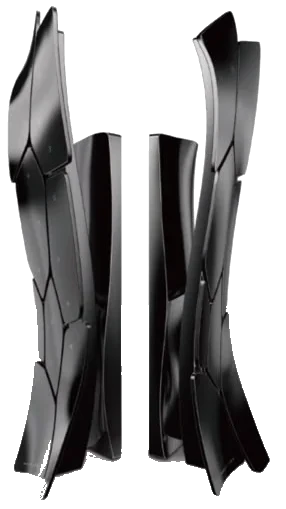
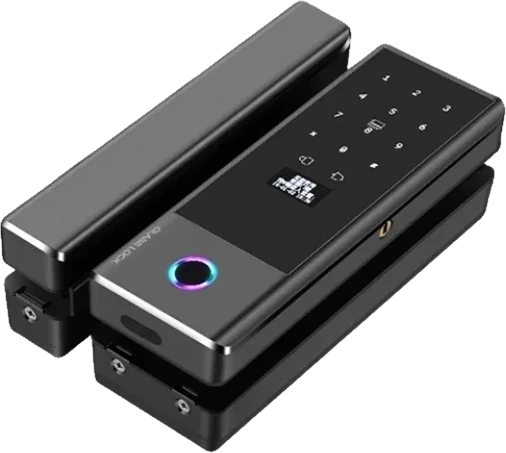
A210 is designed for narrow-profile aluminium doors (30–65 mm door thickness). A9 is fitted to glass doors.
Models
-
Interior and cylinder doors
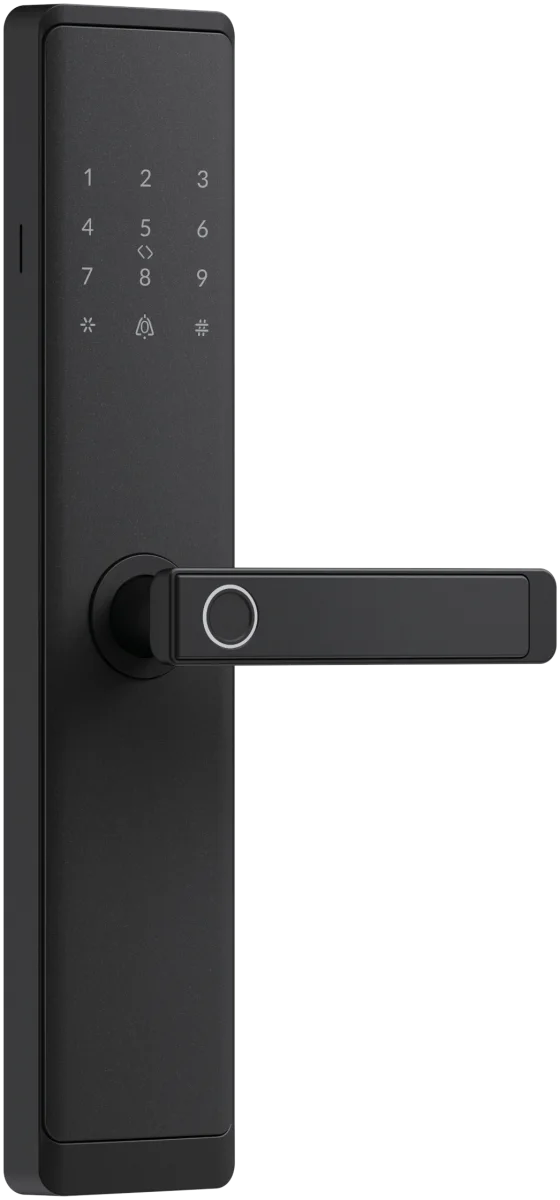
V1 replaces the cylinder in your existing door. H168 is used on interior doors and older mortise locks.
Models
-
Apartment and building entrances
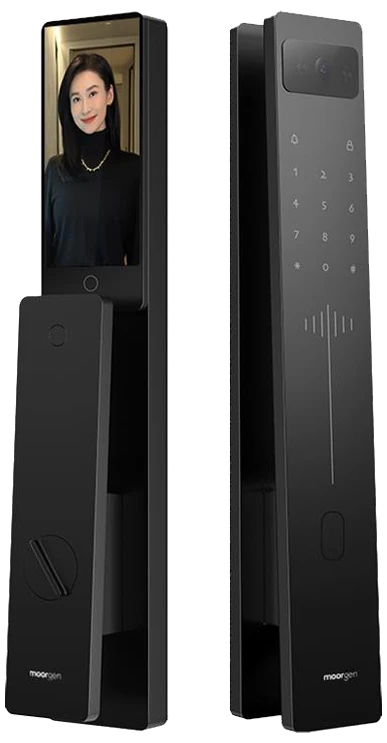
The AC04 access control unit opens with 3D face recognition, fingerprint, code, card and the TTLock app. It runs on a 12 V supply; the power connection is determined during the survey before installation.
Models

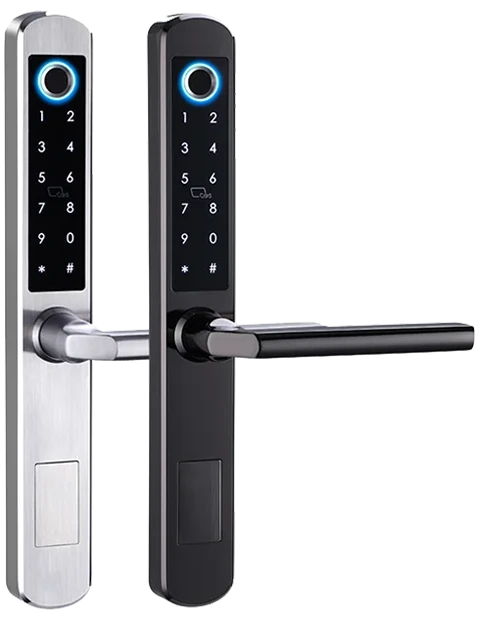
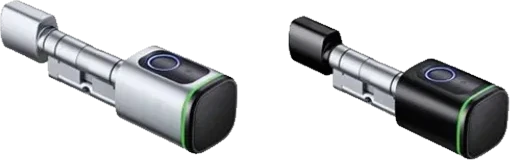
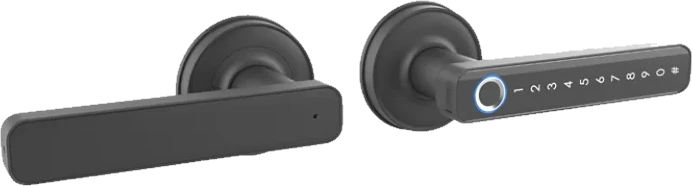
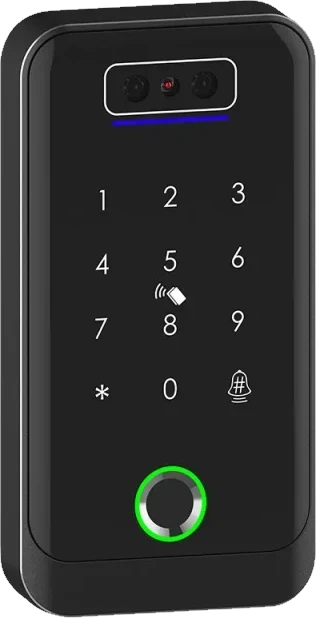
Your door does not fit any of these groups? Send us a photo and we will take a look
Prepare before installation
With this information the survey is quick. Anything you cannot prepare, we complete together during the survey.
What installation covers
Included in installation
- Fitting and adjusting the lock on the door
- Checking the latch and the door closing
- Setting up administrators and users
- Pairing with your phone on app-enabled models
- Showing the unlocking methods and how to replace or charge the battery
Agreed during the survey
- Installation fee and date (installation is not included in the product price)
- Extra work such as enlarging the lock recess or adjusting the frame or profile
- 12 V power connection for the AC04 access control unit
- The separately sold gateway needed for remote access on TTLock models (A210, A9, R6, V1, H168, R5, AC04)
Warranty and service
Warranty and repair periods follow Turkish Consumer Protection Law No. 6502 and the Regulation on Warranty Certificates.
- At least 2 years
- Warranty period, starting from the date of delivery.
- Up to 20 working days
- Maximum repair time within the warranty period, counted from the day the product is handed to the service centre or seller.
- Free repair
- No charge for labour or replaced parts for faults covered by the warranty.
- 81 provinces
- Service network; fault and support requests are taken 24/7 on the WhatsApp line.
If the repair time is exceeded or a fault recurs, the consumer’s statutory rights remain reserved. Delivery, returns and warranty terms
Your nearest dealerSee dealers offering installation and service on the mapInstallation or service request
Once you send the form, our team will call you to arrange an appointment.